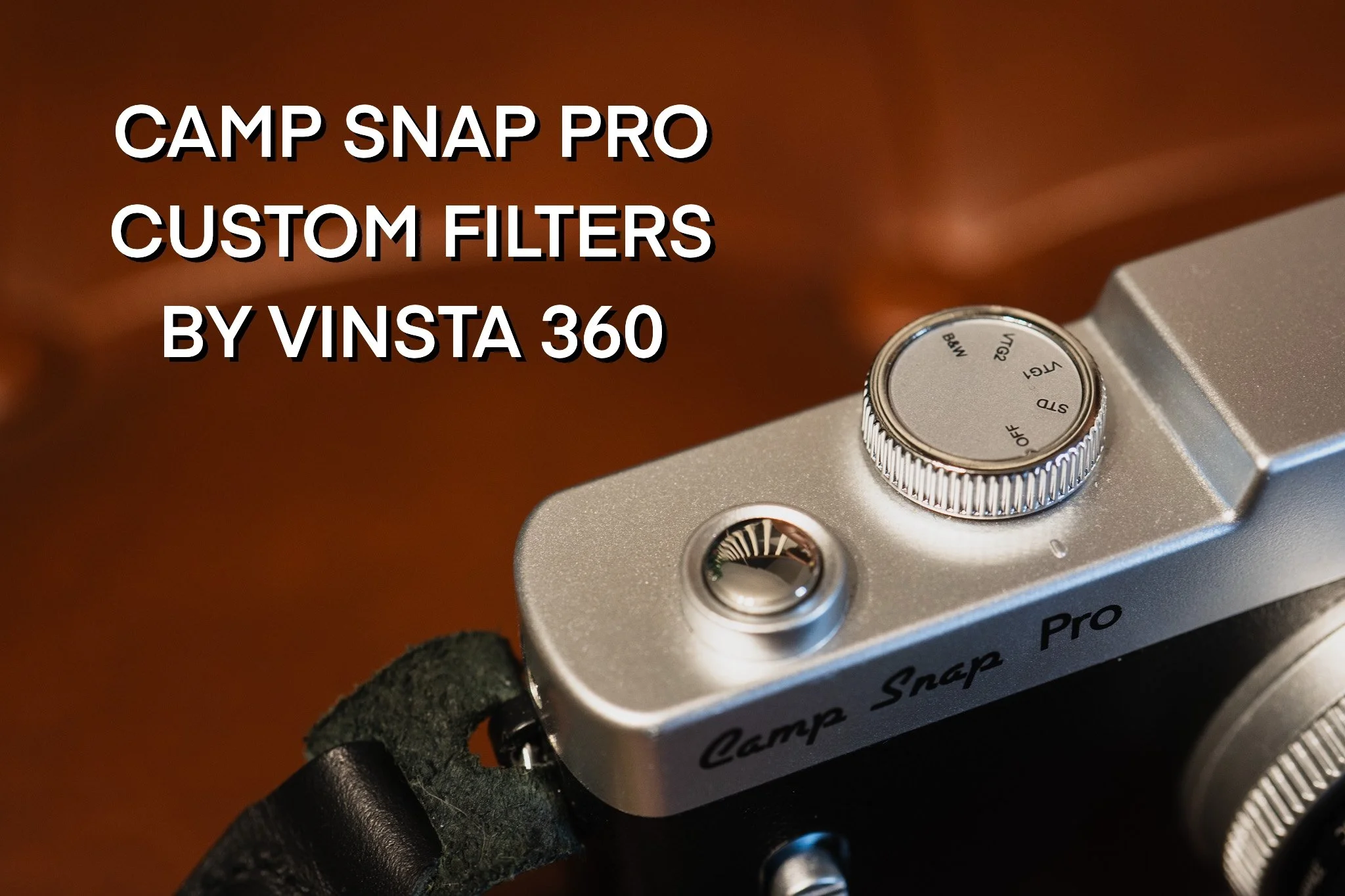
Head to https://www.campsnapphoto.com/CRAIGWHITEHEAD for $5 off the Camp Snap Pro. Then try out my custom filters.
To use the custom filters once you’ve downloaded them, you may need to unzip the folder to access the .flt files.
Connect your Camp Snap Pro to your computer and drag the files on to the Camp Snap Pro’s SD Card. Copy the filter files to the root directory of your camera. (Do not put it inside any folders.)
These filters intentionally override the built-in Camp Snap filters. File names std.flt, vtg1.flt, vtg2.flt, and bw.flt must remain unchanged for the camera to recognise them.
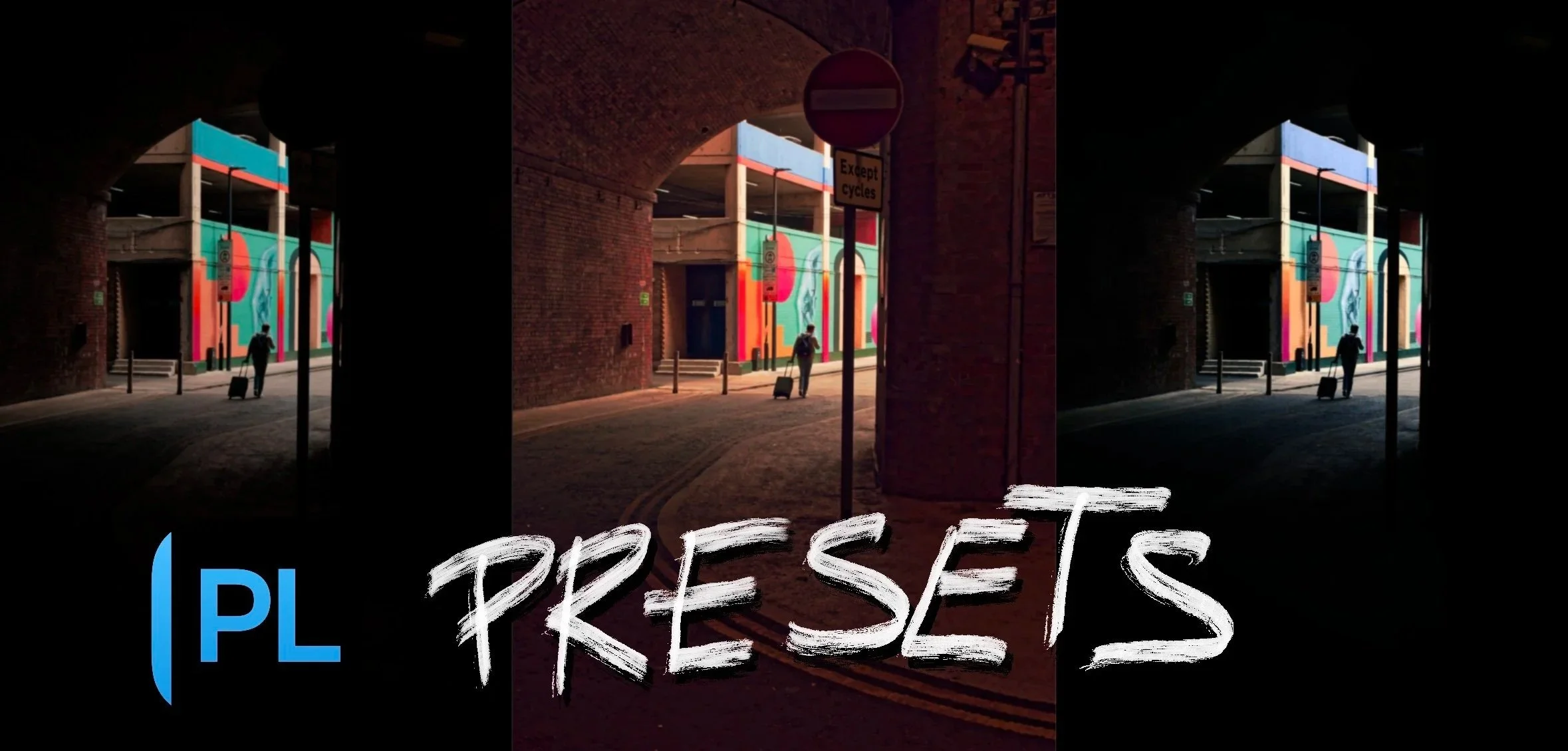
Head to https://shop.dxo.com/en/ - Use code VINSTA360 for 15% off DxO digital products.
Presets Include:
Vinsta360 Base - A clean baseline to get started with your edit, with no colour adjustments.
Vinsta360 High Contrast Street - A punchy, high-contrast look designed for street photography.
Vinsta360 Cinematic Winter - A cool cinematic look with orange and teal colour grading.
Vinsta360 Cooking Summer - A warm, golden look designed to give your photographs those hot summer vibes.
Presets are a starting point, not a one-click finished edit. Every photograph is different, so you may need to adjust exposure, contrast, colour and other settings to suit your individual image.
To use the custom presets once you’ve downloaded them, you may need to unzip the folder to access the files. You can then import them directly into PhotoLab.
For tutorials and guides on editing with DxO PhotoLab, check out the videos on my tutorials page.
Please consider subscribing to my mailing list for future presets and to support my work.
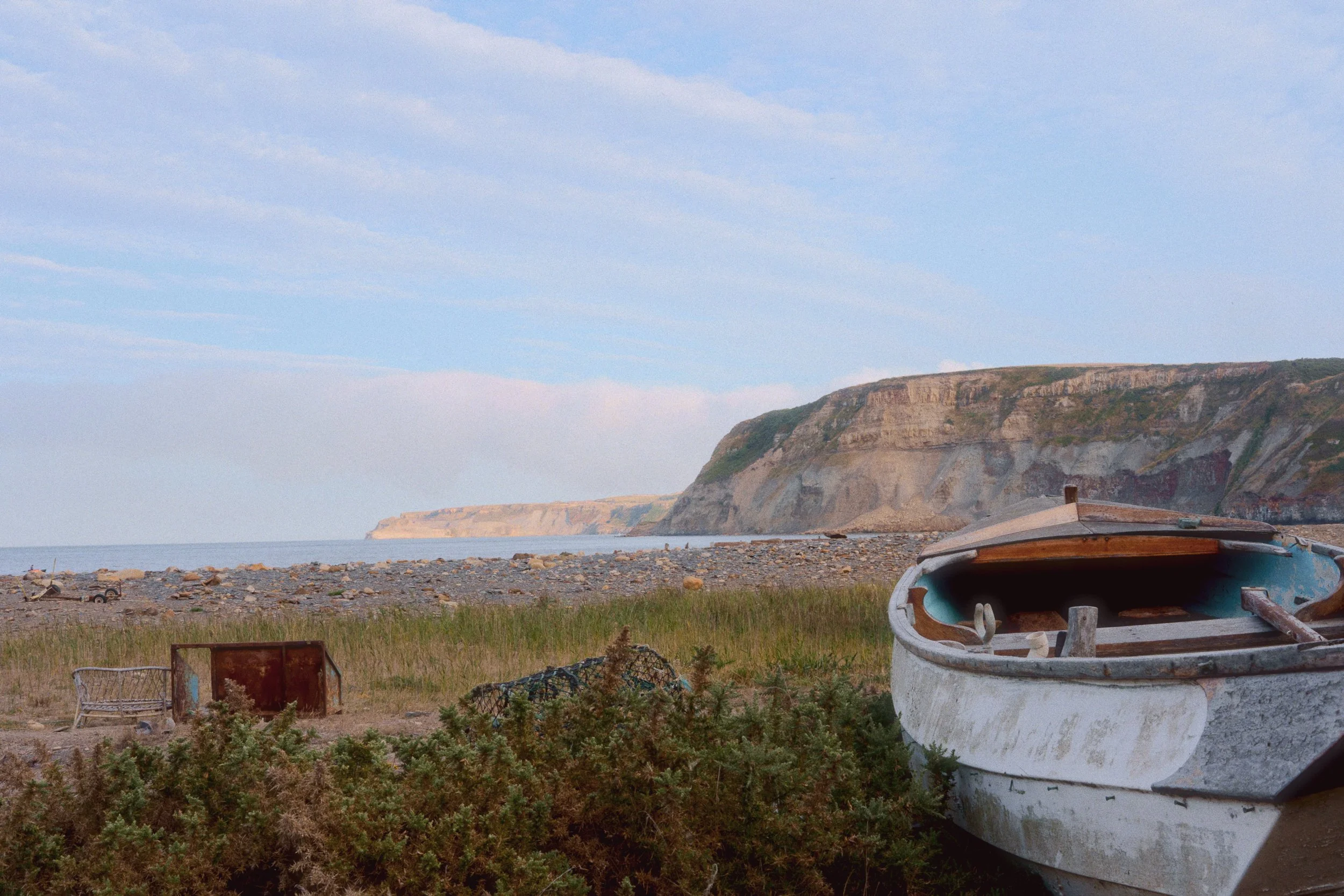
Head to https://www.dehancer.com and use my discount code VINSTA10 to claim 10% off and download the Dehancer Lightroom plugin.
Then try out my Kodak Portra 400 Dehancer preset on your images. Check out the video on my tutorials page. Please consider subscribing to my mailing list for future presets and to support my work.